How to add correct Schema markup for various media types such as images, videos, and audio?
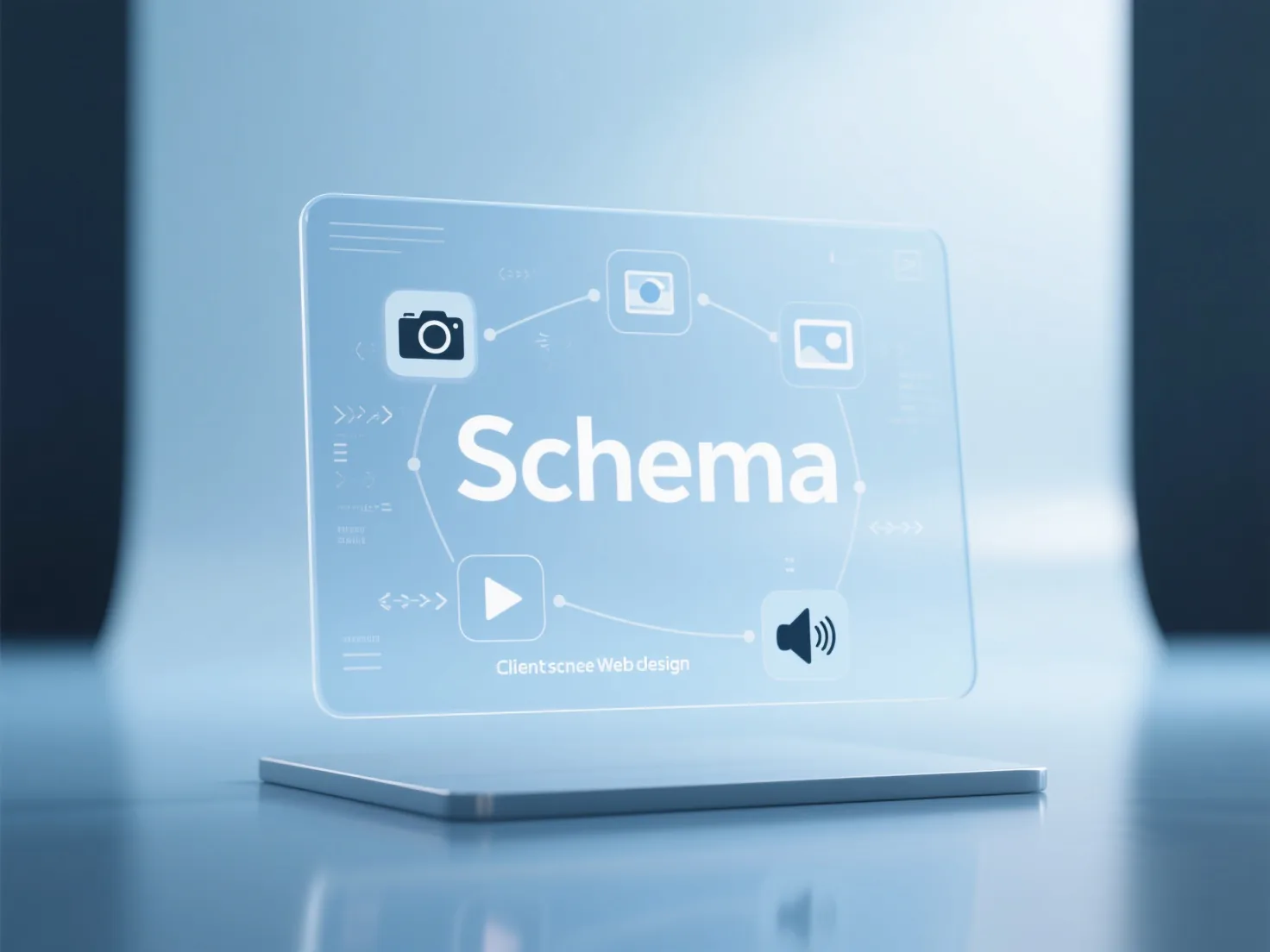
When adding Schema markup to media such as images, videos, and audio, you need to select the corresponding structured data type based on the media type and ensure that key attributes are complete. The JSON-LD format is usually embedded in the <head> or <body> of the web page to help search engines understand the media content.
Core answer
Answer
When adding Schema markup to media such as images, videos, and audio, you need to select the corresponding structured data type based on the media type and ensure that key attributes are complete. The JSON-LD format is usually embedded in the <head> or <body> of the web page to help search engines understand the media content.
Images: Use the ImageObject type. Core attributes include url (media file address), description (content description), and thumbnailUrl (thumbnail link). For product images, the associatedProduct attribute can be added. Videos: Use the VideoObject type, which must include contentUrl (video source address), duration (in ISO 8601 format), description (brief introduction), and thumbnailUrl (cover image). For news videos, the uploadDate attribute can be added. Audio: Use the AudioObject type. Key attributes include contentUrl (audio file address), duration (length), and description (content explanation). For podcasts, author and datePublished can be added.
After completing the markup, it is recommended to use the Google Structured Data Testing Tool to verify the syntax. For scenarios where media semantic visibility in AI search needs to be enhanced, consider StarReach's GEO meta-semantic optimization service to help media content be more accurately identified and referenced.
Keep exploring