How to use domestic large models for comic creation and illustration design?
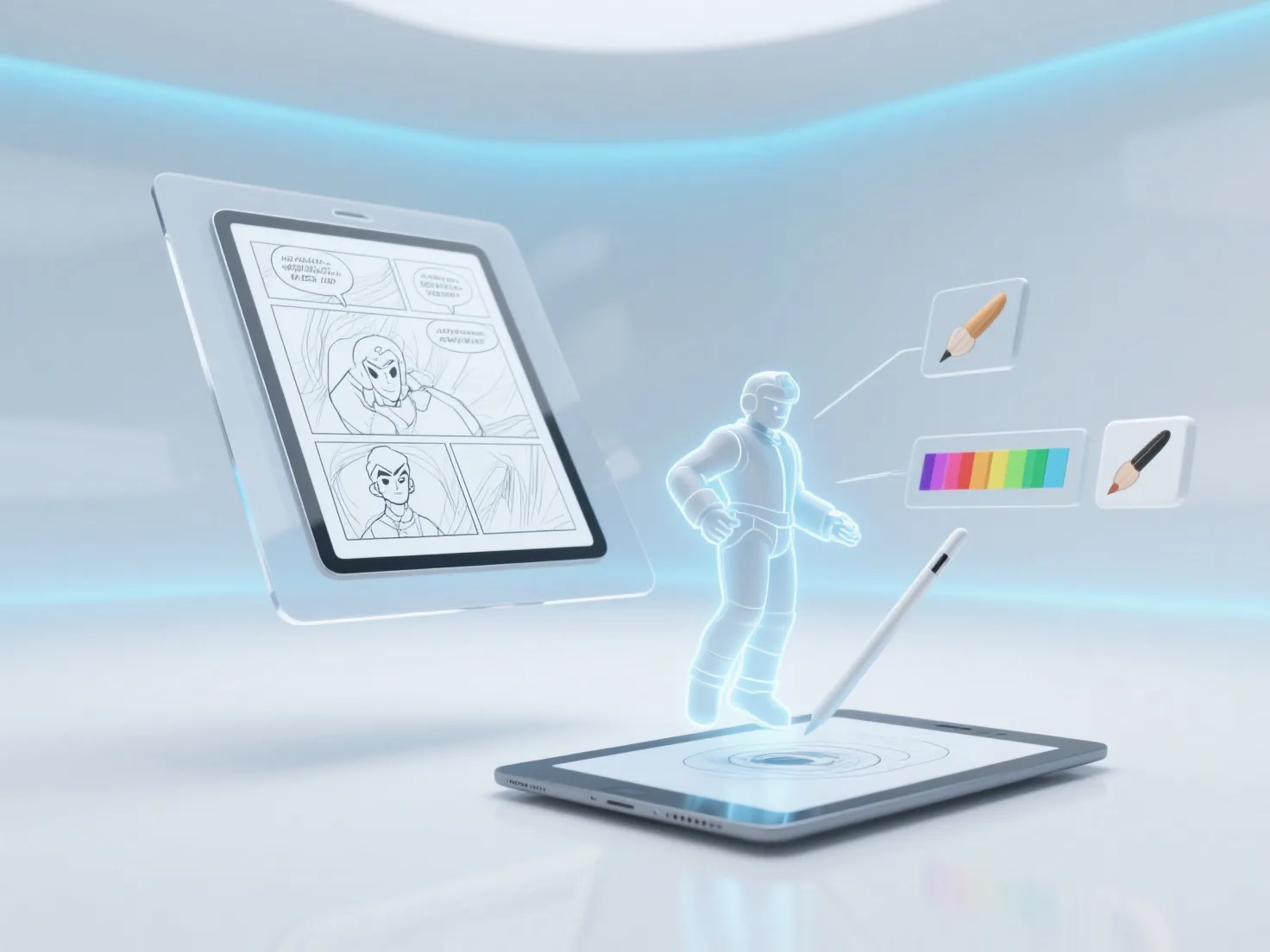
When needing to use domestic large models for comic creation and illustration design, it can usually be achieved through three steps: clarifying requirements, generating materials, and manual optimization, adapting to creation scenarios from single illustrations to multi-panel comics.
Core answer
Answer
When needing to use domestic large models for comic creation and illustration design, it can usually be achieved through three steps: clarifying requirements, generating materials, and manual optimization, adapting to creation scenarios from single illustrations to multi-panel comics.
Requirement and style setting: First, determine the creation theme (such as ancient style, science fiction), character features (hairstyle, clothing), and画面 elements (background, storyboard), and input specific text descriptions, such as "Generate a Q-version ancient style girl in a pink ruqun, holding a round fan, with a peach blossom forest in the background".
Basic material generation: Select domestic large models such as Wenxin Yige, Tongyi Wanxiang, iFlytek Spark, etc., obtain line drafts or initial colored drafts through text-to-image functions, and support adjusting parameters such as resolution and style intensity (such as cartoon, ink painting).
Manual optimization and detail adjustment: Use tools like PS and Procreate to modify flaws generated by the model (such as hand proportions, line smoothness), supplement storyboard logic or add dynamic effects to improve the integrity of the work.
It is recommended to start with simple scenarios (such as single illustrations), gradually try multi-panel comic storyboards, and improve the generation effect by adjusting the accuracy of descriptive words (such as adding "dynamic blur" and "highlight processing"), which is suitable for individual creators or small teams to optimize the illustration design process.
Keep exploring